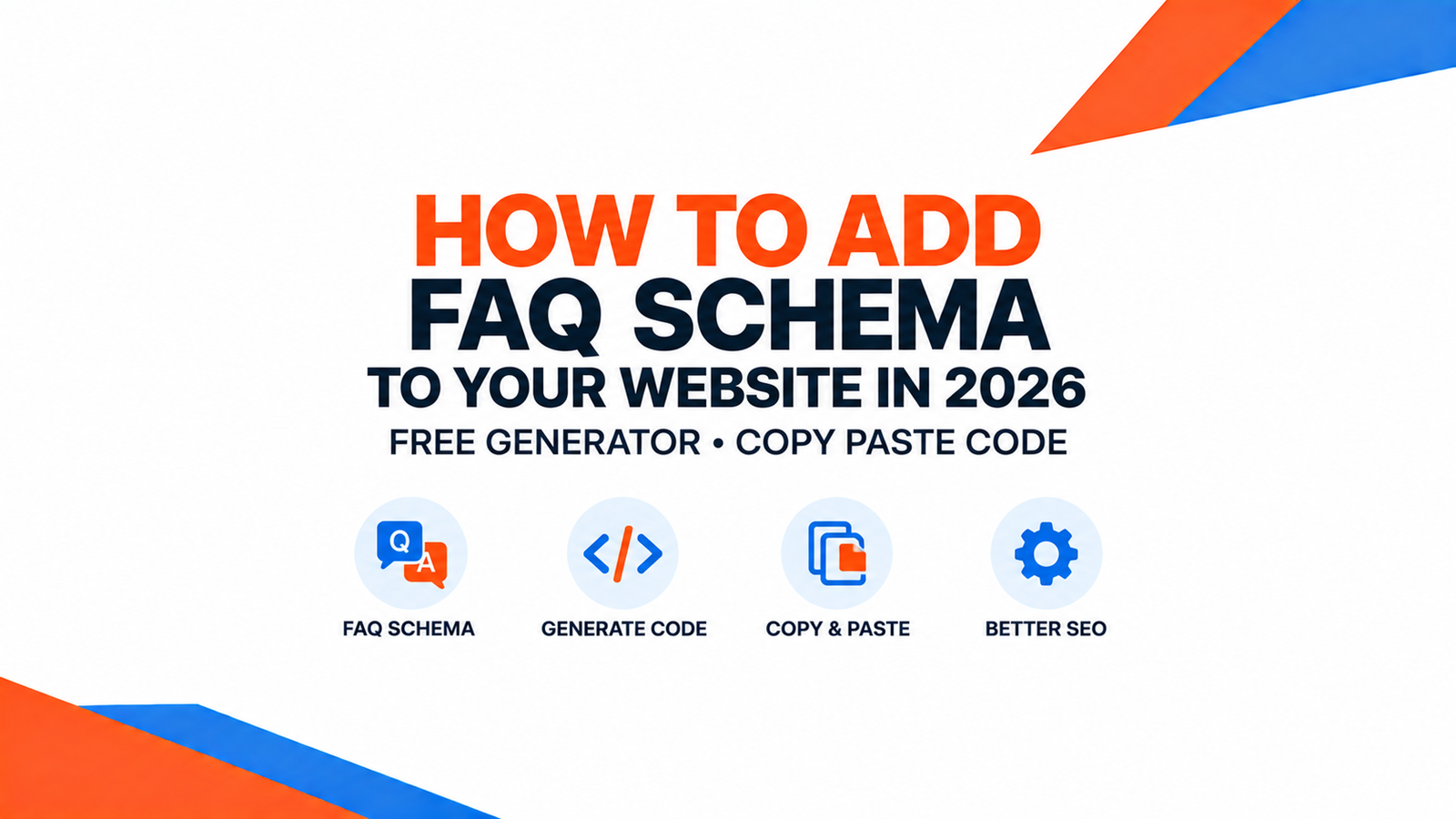
FAQ schema is one of the few technical SEO changes that still visibly pays off in 2026. That’s true not just in classic Google search, but in whether ChatGPT, Perplexity, and Google’s AI Overviews quote your website by name when someone asks a question you’ve already answered.
Here’s exactly what it is, how to add it correctly, and a free tool that builds the code for you in about a minute.
What is FAQ schema?
FAQ schema is a small block of structured data, written in a format called JSON-LD, that you add to a page to explicitly tell search engines "this page contains these questions, and these are their exact answers." It sits quietly in your page’s code and doesn’t change how the page looks to a human visitor. Instead, it hands search engines and AI systems a clean, unambiguous, ready-to-quote answer, rather than asking them to guess by reading your paragraphs.
Does FAQ schema still show in Google search results in 2026?
Google has scaled back how often it shows the expandable FAQ dropdowns in regular search results compared to a few years ago. It now reserves them mostly for well-established, authoritative sites on certain topics. But that’s not the main reason to use it anymore — the bigger reason is what happens next.
Why FAQ schema matters more for AI Overviews and AI answer engines
When Google’s AI Overviews, ChatGPT browsing, or Perplexity generate an answer, they’re pulling from pages that make the answer easy to lift cleanly: a clear question, followed immediately by a self-contained, accurate answer. FAQ schema is essentially a formal declaration of exactly that structure. It doesn’t guarantee a citation, but it removes the ambiguity that makes an AI system less confident about quoting you. Confident, well-structured answers get cited more often than pages where the same information is buried in the middle of a long paragraph.
Step 1: Write good FAQ content first
Schema markup describes content — it doesn’t invent it, and adding schema to a bad answer just gets a bad answer quoted more efficiently. Before touching any code:
- Use real questions your customers actually ask — pull them from sales calls, support tickets, or Google’s "People Also Ask" box for your topic.
- Answer each one in 2–4 sentences, directly, in the first sentence if possible — don’t bury the answer.
- Keep each Q&A self-contained. An AI system, or a human, should be able to read just that one question and answer and fully understand it, without needing the rest of the page.
Step 2: Generate the JSON-LD (the free, fast way)
You don’t need to hand-write JSON-LD. Growthonics’ free Schema Markup Generator takes your questions and answers and outputs valid, ready-to-paste FAQ schema code in under a minute, with no signup required.
Step 3: The JSON-LD template (copy-paste)
If you’d rather see the raw structure, here’s the minimal valid template for one question. Add one more object inside the mainEntity array for each additional question:
<script type="application/ld+json">
{
  "@context": "https://schema.org",
  "@type": "FAQPage",
  "mainEntity": [
    {
      "@type": "Question",
      "name": "Your exact question here",
      "acceptedAnswer": {
        "@type": "Answer",
        "text": "Your complete, self-contained answer here."
      }
    }
  ]
}
</script>
Step 4: Where to paste it
The script tag goes anywhere in your page’s HTML, most commonly right before the closing </body> tag, or inside a custom HTML block if you’re using a page builder like Elementor or the WordPress block editor. It should sit on the same page as the visible FAQ content it describes. Google’s guidelines require the schema to match what’s actually visible on the page, not a different or expanded set of questions.
Step 5: Test that it’s actually working
- Run the page through Google’s Rich Results Test and confirm it detects a valid FAQPage item with no errors.
- Cross-check with the Schema.org validator for any structural issues the Rich Results Test might not flag.
- Re-test after any page edit. A page builder update or theme change can sometimes strip or duplicate a manually-pasted script tag without an obvious visual sign.
Common mistakes to avoid
- Schema that doesn’t match visible content — including questions in the JSON-LD that aren’t actually shown on the page, or vice versa.
- Duplicate FAQ schema on multiple pages with the exact same questions — this can look like manipulation to Google and dilutes which page gets credited.
- Marketing copy instead of answers. "We’re the best in the business!" isn’t an answer to anything, and both search engines and AI systems will simply skip it.
- Invalid JSON — a missing comma or unescaped quotation mark breaks the entire block silently. Always test after adding it.
Frequently asked questions
What is FAQ schema?
FAQ schema is structured data, written in JSON-LD format, that explicitly labels a set of questions and their answers on a page. It lets search engines and AI systems identify and reuse them accurately, without having to interpret regular paragraph text.
Does FAQ schema still show in Google search results in 2026?
Google shows the expandable FAQ dropdown less often than it used to, reserving it mostly for established, authoritative sites. But the schema still helps AI Overviews and AI answer engines understand and cite your content accurately, which is now the bigger benefit.
Will FAQ schema help with AI Overviews and ChatGPT citations?
It can help indirectly. FAQ schema doesn’t guarantee a citation, but it structures your content in the clear, self-contained question-and-answer format that AI systems are more likely to extract and quote confidently. That beats the same information embedded in a long paragraph.
Is FAQ schema difficult to add to a WordPress site?
No. Most SEO plugins, including Yoast, support adding FAQ blocks that generate the schema automatically. You can also paste a ready-made JSON-LD script tag directly into a custom HTML block. A free generator, like Growthonics’ Schema Markup Generator, removes the need to hand-write the code at all.
Can I add FAQ schema without a developer?
Yes. Generating valid FAQ schema with a free tool and pasting it into a custom HTML block in the WordPress block editor, or into an SEO plugin’s FAQ block, requires no coding knowledge. It’s still worth validating the result with Google’s Rich Results Test.
Ready to try it yourself? Generate valid FAQ schema in under a minute with the free Schema Markup Generator, or see all 7 of Growthonics’ free marketing tools on the Free Tools page.